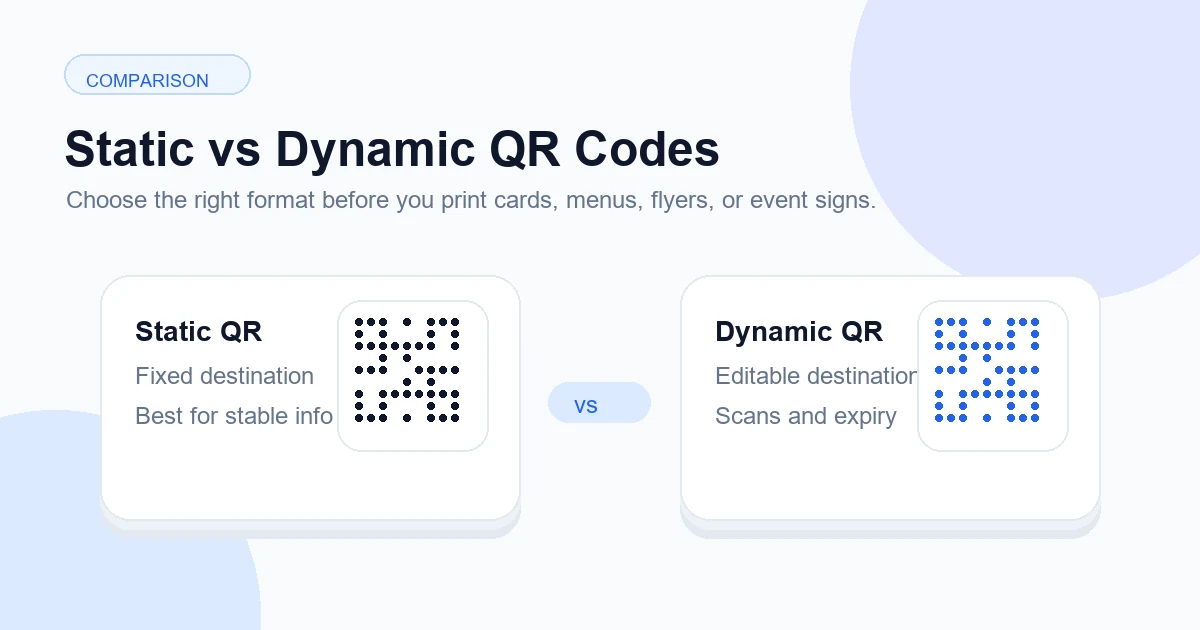
A QR code is a bridge between a physical or visual prompt and a digital action. This guide explains how to plan, design, test, publish, measure, and maintain the experience in long-lived print materials and changing campaigns.
Explore useful GetQRly tools: Free QR Code Generator, WiFi QR Code Generator, WhatsApp QR Code Generator, Google Review QR Code Generator, Business Card QR Code Generator, and Restaurant Menu QR Code Generator.
Helpful guides: how to create a WiFi QR code, static vs dynamic QR codes, and Google Review QR Code Guide.
Introduction
Static vs dynamic QR codes is one of the most important decisions to make before printing anything. The two code types may look almost identical on a flyer, business card, menu, review card, or event poster, but they behave very differently after someone scans them. A static QR code stores the final content directly in the image. A dynamic QR code points to a managed short URL first, then redirects the visitor to the current destination.
The practical difference is maintenance. If a static code contains the wrong URL, an outdated menu link, or a campaign page that later changes, the printed code usually has to be replaced. If a dynamic code points through a dashboard, the printed image can stay the same while the destination is edited behind the scenes. That flexibility is why dynamic QR codes are often safer for printed campaigns, long-lived signs, seasonal promotions, and materials distributed across many locations.
This guide compares static and dynamic QR codes in plain language, with examples for restaurants, business cards, flyers, Google review cards, WiFi sharing, and event campaigns. You can create a permanent static code with the GetQRly QR code generator, or sign in to the dynamic QR dashboard when you need editable links, scan analytics, expiry dates, and campaign management.
What is a static QR code?
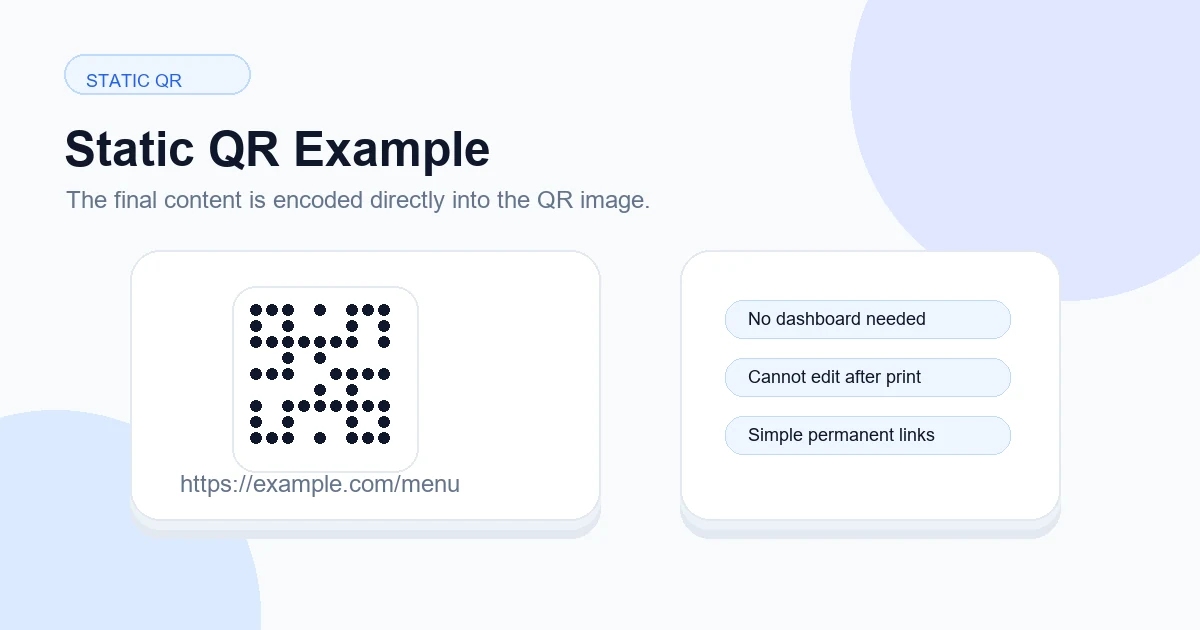
A static QR code stores the actual data inside the QR pattern. For a website code, that means the full URL is encoded into the image. For a WiFi QR code, the network name, security type, and password are encoded directly. For a vCard or basic contact code, the contact details live inside the code itself. Once the image is generated, the information does not depend on a GetQRly account or redirect service to resolve.
Static QR codes are simple, fast, and durable when the encoded information is genuinely stable. They are a good match for a permanent homepage, a fixed phone number, a basic contact card, a one-time classroom handout, or a guest WiFi network that changes rarely. They also work well when you do not need scan analytics or destination editing. The tradeoff is that every mistake becomes physical: if the URL, password, or contact information changes, the old printed code still contains the old value.
Use static codes when the consequence of replacement is small. For example, a small office can reprint a reception sign after changing the guest WiFi password. A freelancer can create a vCard QR code for business cards if their phone number and email are stable. A simple poster for a one-night event can use a static registration link if the landing page is already final.
What is a dynamic QR code?
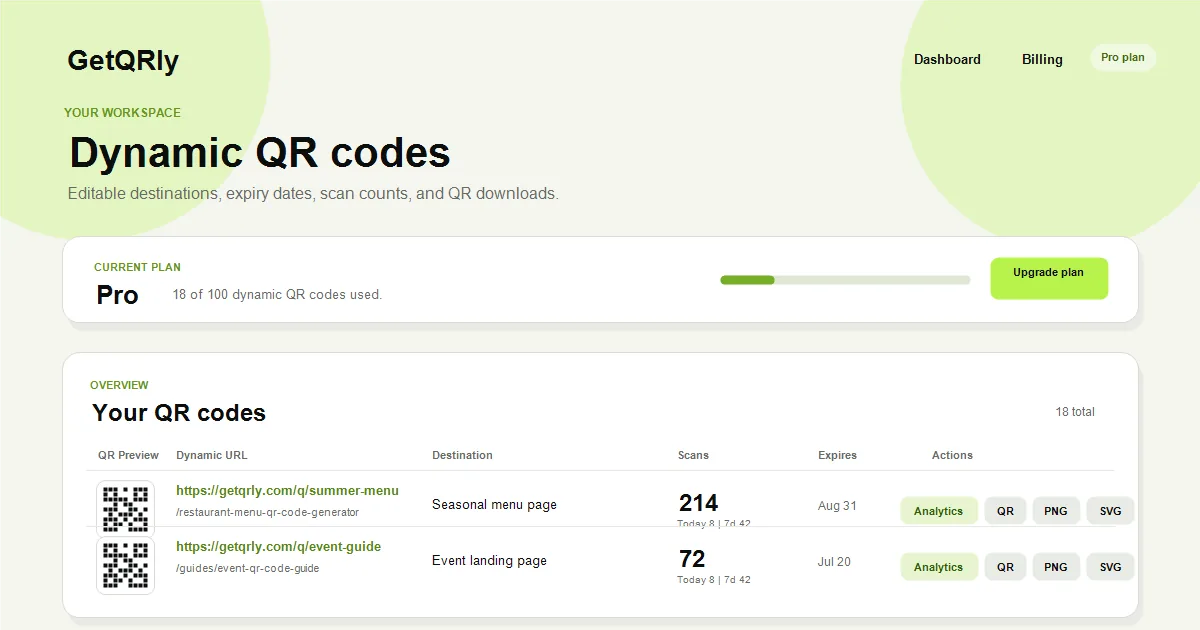
A dynamic QR code stores a short redirect URL, such as a managed GetQRly link, instead of storing the final destination directly. When someone scans the code, the short URL receives the visit and redirects the person to the destination currently saved in the dashboard. The owner can update that destination later without changing the printed QR image.
Dynamic QR codes are useful when the printed material may outlive the original link. Restaurant menus change, campaigns expire, event pages move, offers rotate, and landing pages get redesigned. With a static code, each change can create a reprint problem. With a dynamic code, the destination can be corrected or updated from the dashboard, and the same printed code continues to work.
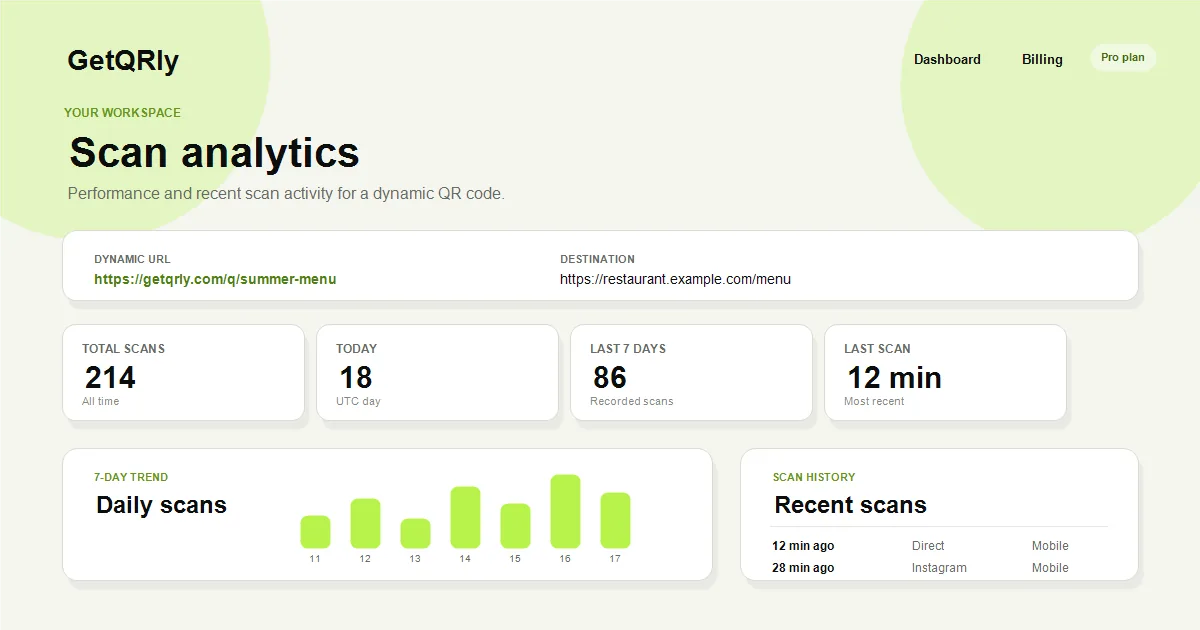
Dynamic codes can also support scan counts, recent scan history, and expiry dates. That makes them useful for marketing teams comparing a flyer against a counter card, event teams checking which signs were used, and small businesses learning whether printed materials are being scanned at all. The tradeoff is that the redirect service must remain available and the account owner must keep control of the destination.
Static QR vs Dynamic QR comparison table
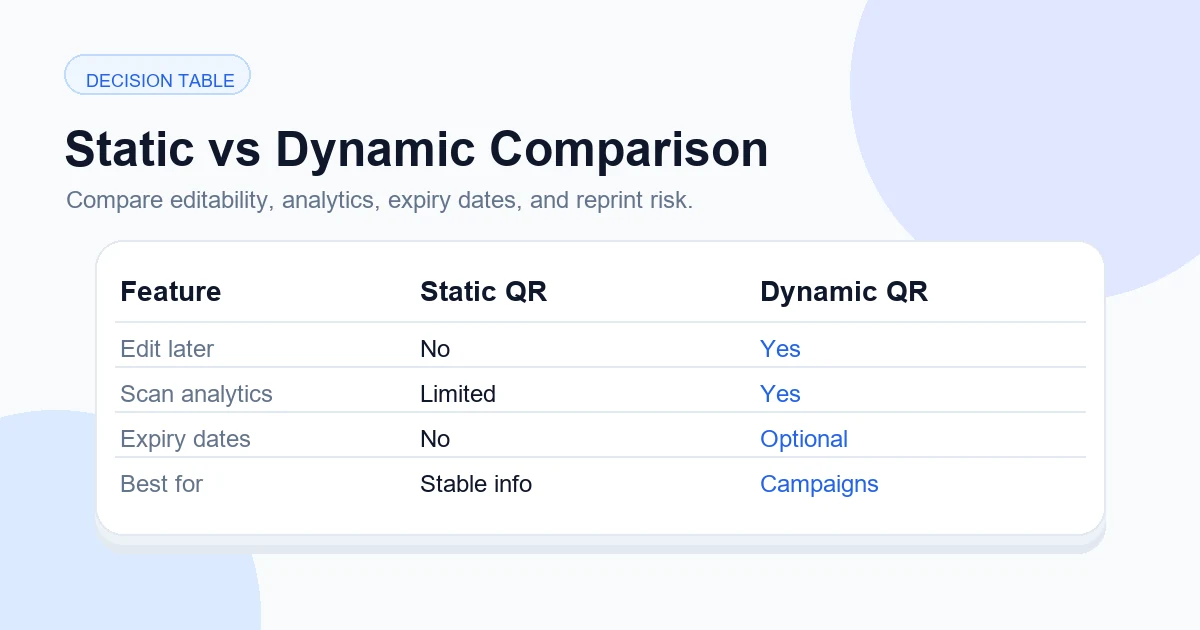
Use this comparison table as a quick decision guide before you design or print. If one column feels clearly closer to your use case, choose that approach before creating final artwork. If you are unsure, think about whether the destination could realistically change after printing.
| Feature | Static QR code | Dynamic QR code |
|---|---|---|
| Stored data | Final content is encoded directly in the QR pattern. | A short redirect URL is encoded in the QR pattern. |
| Can edit destination later | No. A new QR image is needed. | Yes. Update the destination in the dashboard. |
| Best for | Stable links, WiFi, simple contact info, one-time prints. | Campaigns, menus, flyers, review cards, events, and long-lived print. |
| Analytics | Use website analytics after the landing page loads. | Scan counts and scan history can be recorded before redirect. |
| Expiry dates | Not built into the QR image. | Can be managed by the redirect system. |
| Risk after printing | High if the link or data changes. | Lower because destination can be corrected later. |
When to use static QR codes
Use static QR codes for simple links that are unlikely to change. A small business homepage, a PDF hosted at a permanent URL, a one-time classroom resource, or a basic landing page can be a good fit. Static is also practical when you only need to print a few copies and can replace them easily if something changes.
WiFi QR codes are often static because the phone needs the network credentials in a recognized WiFi format. If the SSID, encryption type, and password are stable, a static WiFi code on a cafe counter, Airbnb welcome card, clinic reception sign, or office guest desk can be easy and reliable. When the password changes, generate a new code and replace every old copy.
Basic contact information can also be static. A business card QR code that stores a vCard is useful when the person’s title, phone, email, website, and company details are not expected to change soon. If those details change often, consider linking to a maintained profile or using a dynamic redirect instead.
When to use dynamic QR codes
Use dynamic QR codes when the printed material is expensive, public, long-lived, or connected to a campaign you want to measure. A restaurant menu on hundreds of table tents, a Google review card printed for multiple locations, a seasonal flyer, a product package insert, or an event poster may need updates after the artwork is already distributed. Dynamic QR codes protect that investment because the destination can be changed later.
Dynamic codes are also better when analytics matter. A marketing team may want to compare poster scans with direct mail scans. A hotel may want to see whether lobby signs or room cards get more activity. An event organizer may want to retire a code after the event ends. With GetQRly, dynamic QR codes can include scan counts, recent scan records, expiry dates, PNG/SVG downloads, and editable destinations from the dashboard.
This does not mean every QR code should be dynamic. If the content is permanent and tracking adds no value, static is simpler. But if the code will be printed in quantity, used in public, or connected to revenue, reviews, registrations, bookings, menus, or customer support, dynamic is usually the safer choice.
Create a free static QR code or sign up for dynamic QR tracking
Use GetQRly for fast static QR generation, or create an account when you need editable destinations, scan counts, and expiry dates.
Real examples
- Restaurant menu: Dynamic is safer because menu providers, seasonal pages, and ordering links can change.
- Business card: Static vCard works when details are stable; dynamic is better if the card should open a maintained profile.
- Flyer campaign: Dynamic helps track scans and change the offer page after printing.
- Google review card: Dynamic can help multi-location teams correct a wrong link and monitor scan activity.
- Event campaign: Dynamic supports date-based expiry, schedule changes, and post-event redirects.
- WiFi card: Static is usually appropriate because the credentials must be encoded for the phone to join.
Imagine printing 5,000 flyers for a summer promotion. A week later, the original landing page changes because inventory shifts or the offer expires. A static QR code would still point to the old page. A dynamic QR code lets you update the destination to a new offer, waitlist, store locator, or post-campaign message without wasting the print run.
Now compare that with a small staff room sign linking to the company homepage. If the URL is stable and only a few signs exist, a static code is probably enough. The right choice is not about which type sounds more advanced; it is about whether the code needs editing, analytics, expiry, or campaign control after it leaves your screen.
Pros and cons
Static QR code pros
- Fast to create without an account.
- No redirect dependency for simple encoded content.
- Useful for stable URLs, WiFi, phone numbers, and vCards.
- Good for one-time or easy-to-replace materials.
Static QR code cons
- Cannot be edited after download.
- No built-in scan history.
- Printing mistakes usually require a new QR image.
- Bad fit for long-running campaigns with changing destinations.
Dynamic QR code pros
- Editable destination after printing.
- Scan counts and recent scan history.
- Optional expiry dates for campaigns.
- Better control for menus, reviews, events, packaging, and flyers.
Dynamic QR code cons
- Depends on a redirect URL and account control.
- Requires basic management discipline.
- May have plan limits depending on the provider.
- Not always needed for simple permanent information.
How GetQRly handles static and dynamic QR codes
GetQRly supports both workflows. Use the free static QR code generator when you want to create a quick website QR, text QR, WiFi QR, contact QR, WhatsApp QR, or other simple code. The static generator is lightweight and focused on fast PNG/SVG downloads without unnecessary setup.
Use the dynamic QR dashboard when you want an editable short URL, scan counts, expiry dates, and a place to manage multiple QR campaigns. A dynamic code generated from the dashboard points to a GetQRly redirect such as https://getqrly.com/q/your-slug. You can edit the destination later while keeping the printed QR image unchanged.
Before printing, test both approaches the same way: scan the final artwork on a phone, confirm the destination, check the mobile page, and record where the code will be placed. For deeper planning, read QR Code Campaign Tracking, QR Code Testing Checklist, and QR Code Best Practices.
Bottom line
Choose static when the content is permanent, simple, and easy to replace. Choose dynamic when the printed code needs a longer life than the first destination, or when analytics and campaign control matter. The safest question is: “If this link changes next month, would replacing every printed copy be painful?” If the answer is yes, use a dynamic QR code.
Create a free static QR code with GetQRly, or create an account to manage dynamic QR tracking from the free registration flow.
Rate it after reading so we can keep improving GetQRly guides.