Marketing QR codes need a clear promise, a relevant landing page, and a measurable next action. This guide explains how to plan, design, test, publish, measure, and maintain the experience in traffic arriving from physical media.
Explore useful GetQRly tools: Free QR Code Generator, WiFi QR Code Generator, WhatsApp QR Code Generator, Google Review QR Code Generator, Business Card QR Code Generator, and Restaurant Menu QR Code Generator.
Helpful guides: how to create a WiFi QR code, static vs dynamic QR codes, and Google Review QR Code Guide.
Introduction
A QR code landing page is the mobile destination that opens after someone scans. It carries the promise made by the printed code, so it needs to be fast, focused, and immediately useful. A weak page can waste a perfectly good scan.
The best QR landing pages are built for the moment of the scan: a person may be holding packaging, standing in a queue, sitting at a restaurant table, reading a mailer, or walking through an event. They do not want a slow homepage or a maze of navigation. They want the action promised beside the code.
Practical landing page examples
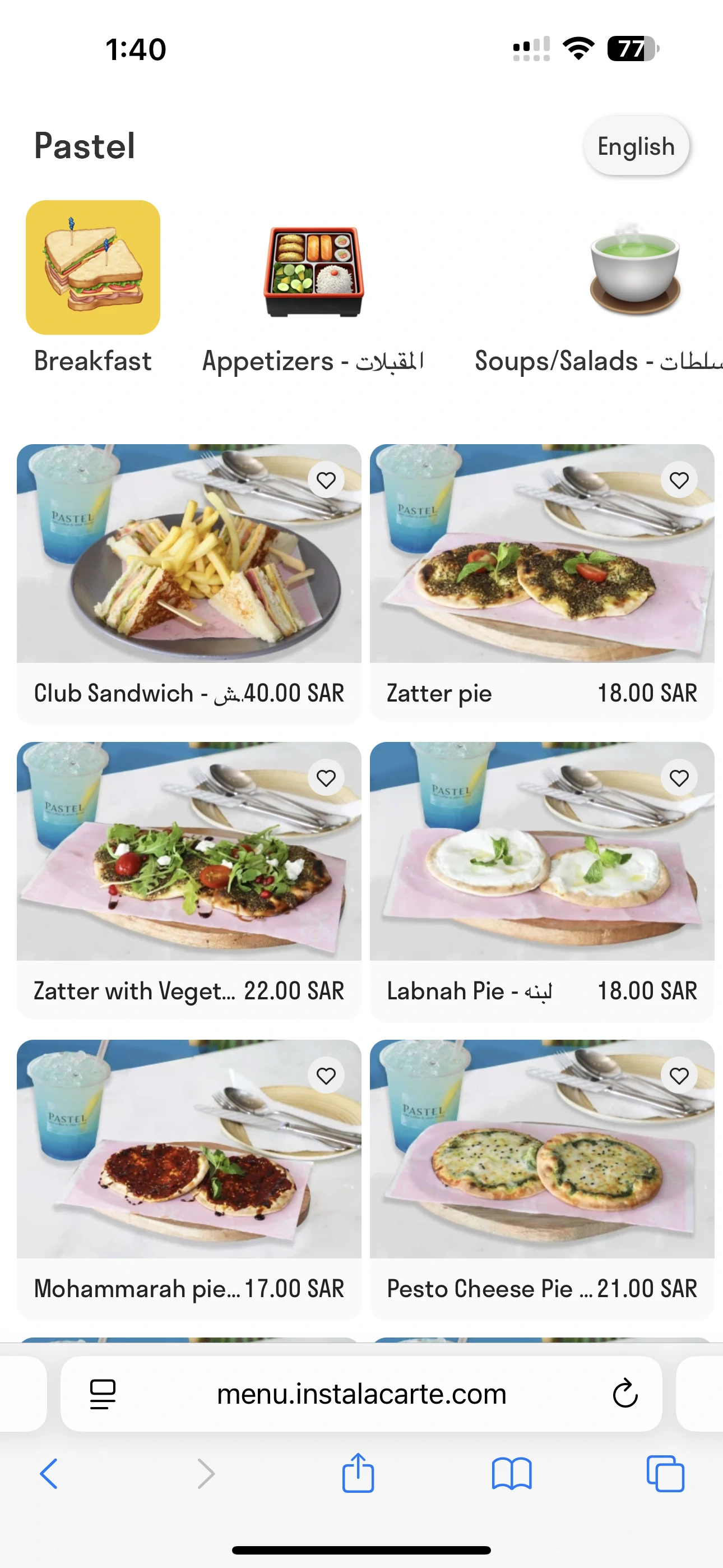
A direct mail QR code can open a campaign page with the local offer, eligibility notes, and a short booking form. A packaging QR code can open setup steps, support, and warranty registration. A restaurant QR code can open a mobile menu with categories, prices, and ordering instructions.
An event poster can open registration with the date, venue, ticket details, and calendar option near the top. A Google review QR code should open the review flow or a short explanation before linking to the correct profile. A business card QR code may open a professional profile or vCard download.
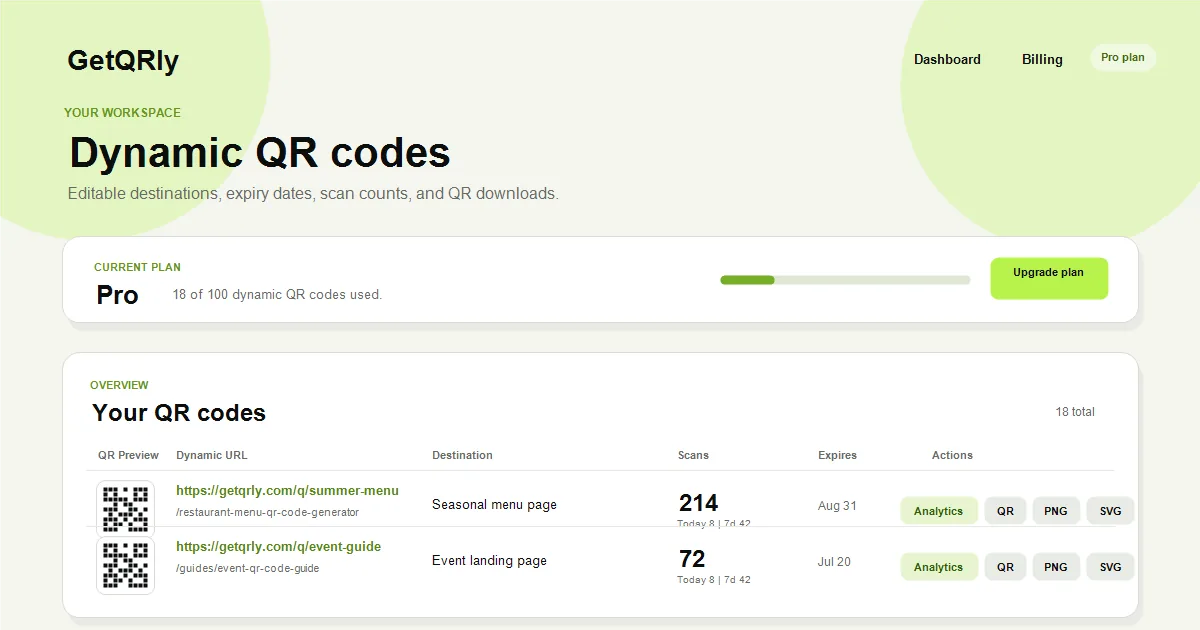
Use the QR code generator for stable landing pages and the GetQRly dynamic dashboard when the destination needs editing, expiry dates, and scan analytics.
How to use this QR code landing page
Repeat the printed promise in the first screen. If the poster says "Scan for event tickets," the page headline should say event tickets and show the ticket action immediately. Message continuity reassures scanners that they reached the right place.
Keep the page lightweight. Compress images, avoid unnecessary scripts, remove intrusive popups, and make buttons large enough for thumbs. Forms should ask only for information needed to complete the scan action.
Use canonical URLs and stable page paths when the content is public and indexable. For short campaigns, keep old URLs redirected or maintained until all printed material is retired.
Best use cases
QR landing pages are useful for offers, bookings, product support, menu browsing, donations, lead capture, event registration, customer feedback, app onboarding, and educational resources. They are strongest when the scan happens offline and the page completes one mobile action quickly.
For restaurants, start with the Restaurant Menu QR Code Generator. For customer chat, use the WhatsApp QR generator. For local reputation, use the Google Review QR generator.
A landing page can also collect analytics after a scan. Pair QR tracking with page analytics so you can understand not only who scanned, but whether they completed the intended action.
Create your QR code with GetQRly
Generate static and dynamic QR codes, download PNG/SVG files, and track scans from one dashboard.
Common mistakes
- Sending scans to a generic homepage.
- Loading a desktop page that is slow or hard to use on mobile.
- Hiding the promised action below long introductions.
- Using forms that ask for too much information.
- Letting campaign pages disappear while printed codes remain active.
Another mistake is treating a QR landing page like a normal SEO blog page. Public guides can be long, but campaign landing pages should be concise and action-focused. If a page needs explanation, put the primary action first and supporting details below it.
Avoid tracking setups that slow the page or collect more data than needed. Page speed and trust are part of conversion quality.
Printing and testing tips
Test the full path from printed code to page completion. Scan the final artwork, wait for the page to load on mobile data, tap the main button, submit the form if one exists, and confirm the thank-you or success screen.
Use a QR size that fits the placement and a landing page URL you can maintain. If the URL may change, use a dynamic QR code or a controlled redirect. Broken landing pages are one of the fastest ways to lose trust from printed campaigns.
Check accessibility basics: readable text, keyboard-friendly controls, good contrast, meaningful labels, and a non-scan alternative when the QR code is on essential public information.
Rate it after reading so we can keep improving GetQRly guides.