
Marketing QR codes need a clear promise, a relevant landing page, and a measurable next action. This guide explains how to plan, design, test, publish, measure, and maintain the experience in postcards, catalogs, letters, and donation appeals.
Explore useful GetQRly tools: Free QR Code Generator, WiFi QR Code Generator, WhatsApp QR Code Generator, Google Review QR Code Generator, Business Card QR Code Generator, and Restaurant Menu QR Code Generator.
Helpful guides: how to create a WiFi QR code, static vs dynamic QR codes, and Google Review QR Code Guide.
Introduction
Direct mail QR codes work when the mail piece already creates interest and the scan removes the friction of typing a URL. A postcard, catalog, letter, or donation appeal gives you space for a clear offer, but the phone experience must pick up exactly where the printed message ends.
The best direct mail campaigns use QR codes for specific actions: claim a local offer, book an appointment, view a personalized landing page, donate, compare plans, RSVP, or request a quote. Start with the GetQRly QR code generator for simple links, or use dynamic QR codes if you need editable destinations and scan history.
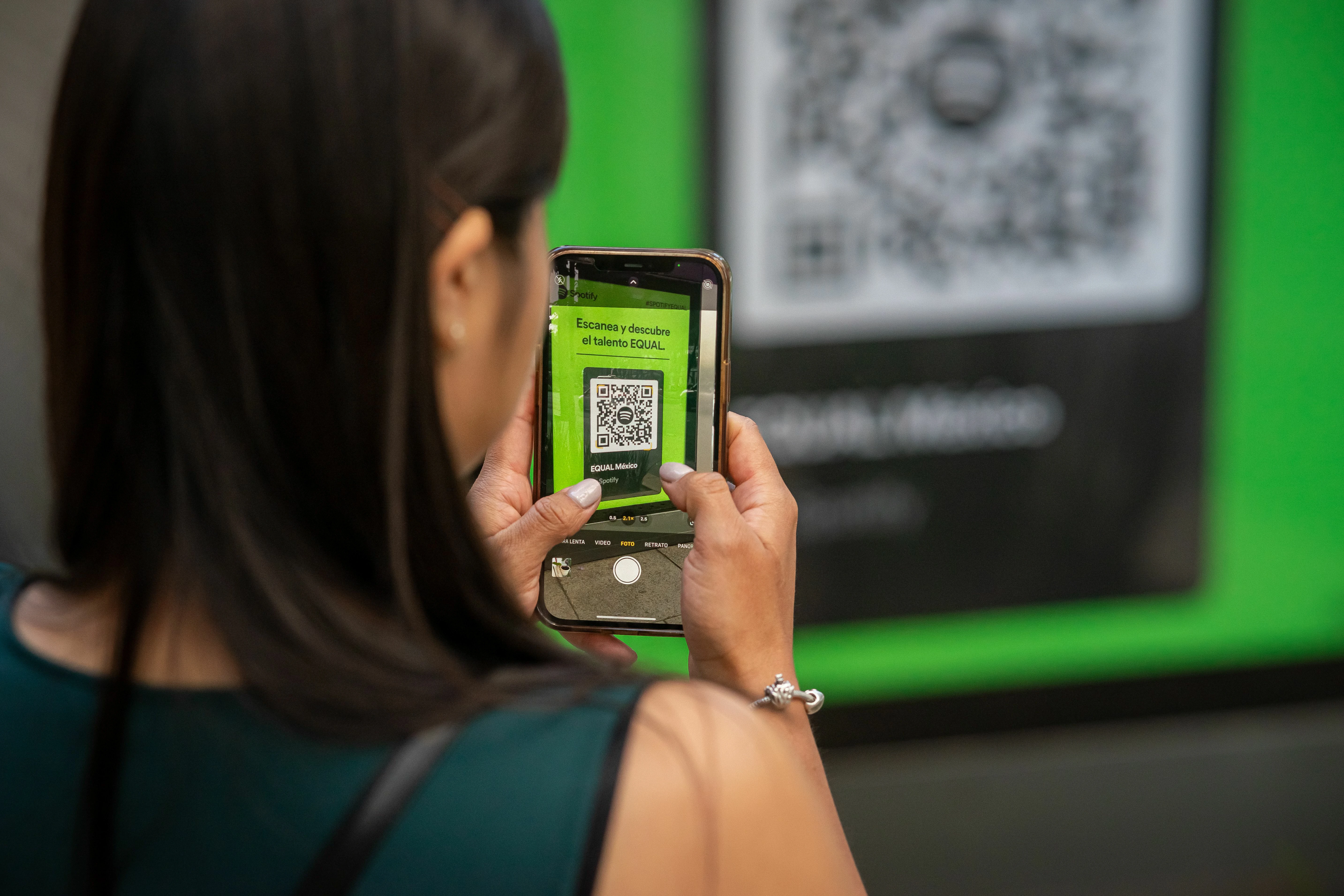
Direct mail QR examples
A dental clinic postcard can open a mobile booking page for a new patient consultation. A nonprofit letter can open a donation page with the campaign already selected. A real estate mailer can open a neighborhood valuation page. A restaurant postcard can open a limited menu offer or reservation page.
Catalogs can use separate QR codes for product collections, sizing guides, style videos, or reorder pages. Service businesses can use codes for estimates, seasonal maintenance reminders, or WhatsApp chat. The strongest examples do not make the scanner search after landing; they open the promised action immediately.
Use QR code calls to action to make the printed prompt specific, then use QR code landing pages to make the mobile destination fast and focused.
How to use this QR code in direct mail
Give each mail campaign one primary scan goal. If the piece is promoting a discount, the QR destination should open the offer page. If it is a renewal notice, it should open the renewal flow. If it is a local awareness mailer, it should open a location-specific page rather than the generic homepage.
Separate campaign versions when performance matters. A postcard sent to one city, a catalog insert, and a customer reactivation letter should use different trackable URLs or dynamic QR codes. That lets you compare response without guessing which piece drove the visit.
Include a short fallback URL for readers who prefer typing or who cannot scan. Direct mail still reaches people with different devices, accessibility needs, and privacy preferences. The QR code should add convenience, not become the only route.
Best use cases
Direct mail QR codes are useful for coupons, appointment scheduling, quote requests, donations, event RSVPs, product launches, loyalty enrollment, catalog shopping, feedback requests, and personalized landing pages. They are especially helpful when the online action would be painful to type from print.
For restaurants, link a postcard to the restaurant menu QR workflow or a reservation page. For local services, a WhatsApp QR code can turn mail interest into a conversation. For reputation campaigns, send post-service mail to a Google review QR code only after a real customer experience.
Campaign owners should measure downstream action, not only scans. A smaller mail segment that produces booked appointments or donations is more valuable than a high-scan campaign that lands on a weak page.
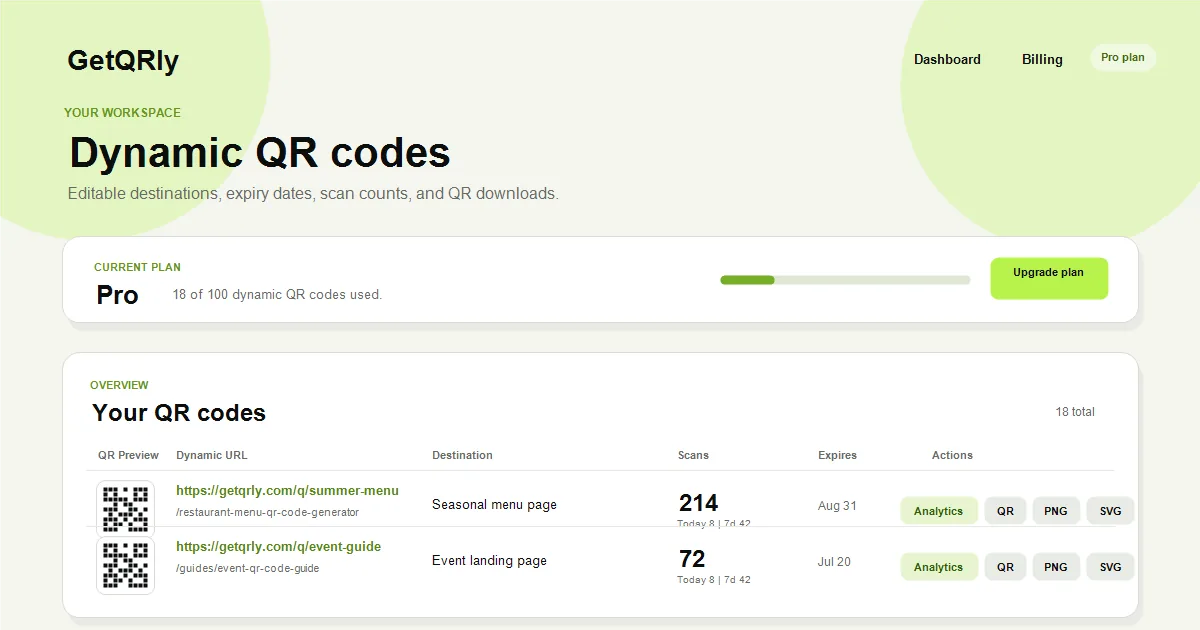
Create your QR code with GetQRly
Generate static and dynamic QR codes, download PNG/SVG files, and track scans from one dashboard.
Common mistakes
- Using a QR code without a clear printed offer.
- Sending scans to a desktop page with slow load times.
- Using one code for every audience segment when tracking matters.
- Printing the code too close to folds, address blocks, or glossy areas.
- Forgetting a readable URL fallback.
Another mistake is treating direct mail like a website banner. People often scan while holding paper in one hand, sorting mail quickly, or deciding whether the offer deserves attention. The QR call to action must be direct and the landing page must load fast.
Do not over-personalize the scan experience in ways that surprise users. If a page is personalized, be transparent and keep privacy expectations reasonable.
Printing and testing tips
Test the QR code from the final printed sample. Paper stock, coatings, folds, and postal handling can reduce contrast or damage corners. Keep the quiet zone clear and avoid placing the code where sorting marks, address labels, or folds may interfere.
Use a short, controlled URL behind the code. Long URLs create denser QR patterns that can be harder to scan at small sizes. If you need analytics, use a dynamic QR code or a landing page with campaign parameters instead of making the visible code too complex.
Before mailing, scan the piece from normal reading distance, complete the intended action, and verify confirmation messages. One bad link can turn a full mail run into a very expensive lesson.
Rate it after reading so we can keep improving GetQRly guides.